When AI Automates Someone's Job and Reskilling Isn't an Option: What Your Company Does Next
Automating a task also means deciding what happens to the person who did it. A real case, and the options your company has before automating, not after.
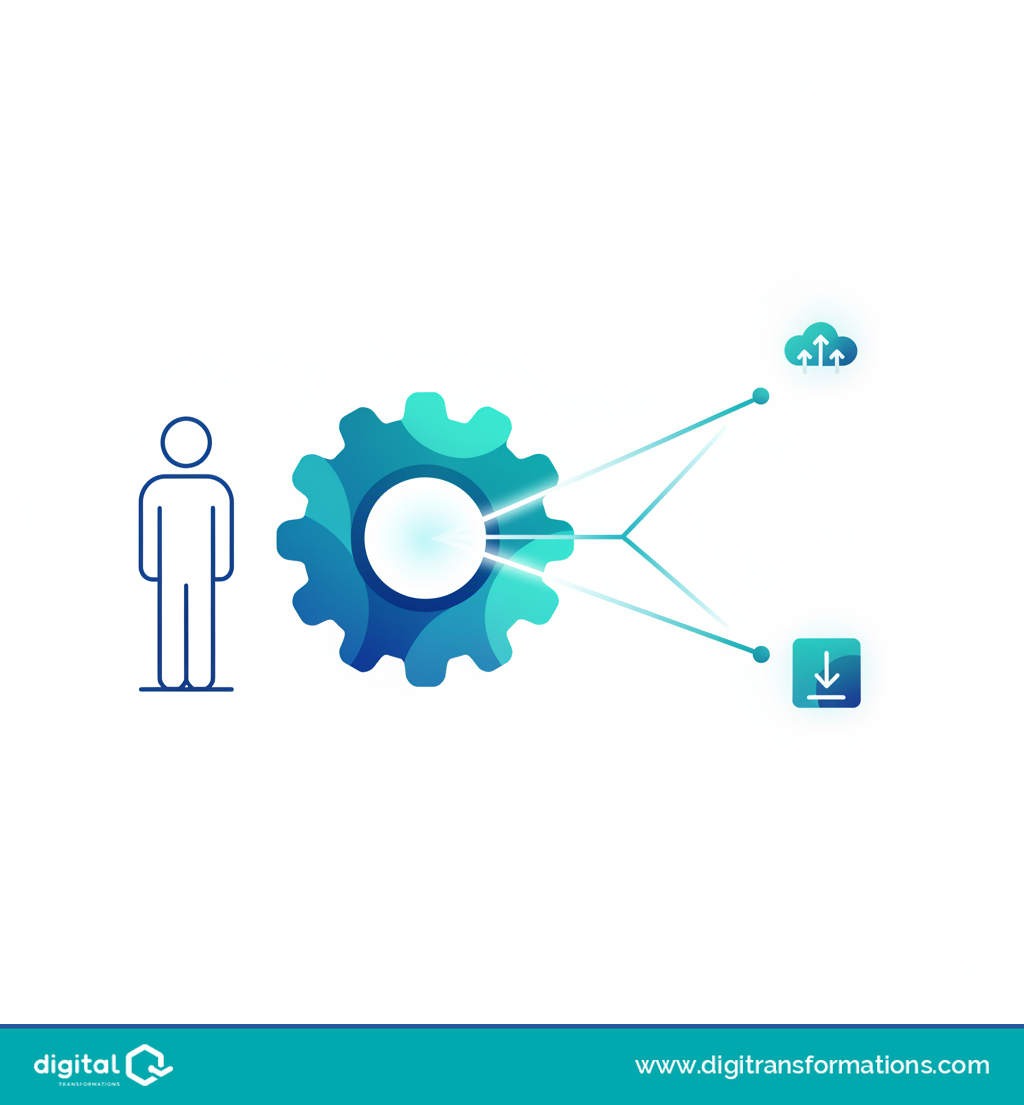
TL;DR: automating a task is never just a technical project — it's also a decision about the person who used to do that work. When that person can't be reskilled into another role, your company still has reasonable paths forward, but you need to choose one before you switch the automation on, not after.
Almost every article about AI and jobs repeats the same advice: train your people, reskill them. It sounds great on a slide. In the day-to-day of a small company, AI job automation reskilling sometimes simply has nowhere to land.
The case nobody talks about
A small professional services firm tested automating its invoice and transaction bookkeeping with AI. It worked better than expected: the system absorbed more than half of the work one employee used to do.
So far, good news. The problem showed up next, when the partners sat down to find that person another task inside the firm — and couldn't. She had spent years doing bookkeeping; she had neither the profile nor the interest to move into tax advisory or client support.
They paused the automation. It worked just fine. Nobody had settled the awkward question of what to do with the person before switching it on, and that alone was enough to stop the project.
Sound familiar, even with a different department attached?
Reskilling and upskilling aren't the same word
Worth pausing here, because most conversations treat them as synonyms, and they aren't.
Upskilling means training someone to do their current job better: the bookkeeper who learns a new tool without changing roles.
Reskilling is different: training that same person for a different job inside the company, because their original one has changed or disappeared. It's moving the bookkeeper into client support or vendor management.
Reskilling takes more time, more money and, above all, a reasonable open slot inside the company to move that person into. That slot doesn't always exist.
The typical mistake: assuming everyone can be reskilled
The mistake that keeps repeating is assuming reskilling is always possible, and finding out it isn't once the system is already running and someone has nowhere to go.
Not everyone wants to, can, or has the right profile to switch roles. Neither the company nor the person has failed at anything. It's a scenario you need to plan for, with the same seriousness you'd apply to the project budget.
AI job automation reskilling: the real options, without the drama
If reskilling isn't viable, there's a reasonable range of paths. You'll probably combine more than one.
Automate in phases, starting with new work — new clients coming in from now on, say — and leaving what the affected person already handles for later. It buys time to decide calmly instead of under pressure.
Move the person into a supervising and validating role over what the AI does. It's a different task, yes, but it keeps something an automated system doesn't have: their judgment and experience. That role needs specific training; training someone with voice agents, like Dialog's, can prepare that shift without months of in-person courses.
Redistribute tasks nobody had time to get to before: that backlog waiting "for when things calm down" is usually bigger than it looks.
Agree a reduced schedule, if the real workload has genuinely shrunk and there's no other slot to move the person into.
A dignified exit plan, with enough time and support, when none of the above works.
And one option that's often forgotten: grow volume with the same team. If AI frees up half a role, sometimes the answer isn't to cut back but to take on more clients with the same headcount.
The question to answer first, not after
Automating carries another, more uncomfortable decision inside it: what happens to the people. And it gets made at the start of the project, not once it's already running and someone's left without work to do.
Have you already decided what happens to the people before deciding what you automate?
If your company is weighing this, the Digital Maturity Calculator helps you see where your organization stands before deciding what to automate.
Run your diagnosis with the Digital Maturity Calculator
Content developed with AI assistance and reviewed by the Digital Transformations editorial team
Frequently asked questions
What's the difference between reskilling and upskilling?
Upskilling trains someone to do their current job better; reskilling trains them for a different job inside the company because their original role changed or disappeared.
Can every employee affected by automation be reskilled?
Not always. It depends on their profile, whether another role actually exists inside the company, and whether the person wants to make the switch.
When should a company decide what happens to affected employees?
Before switching on the automation, not after it's already running.
What can a company do if reskilling isn't viable?
Automate in phases, redistribute tasks, move the person into a supervising role, agree a reduced schedule, grow volume with the same team, or plan a dignified exit.
What role can voice AI play in reskilling someone into a supervising role?
Tools like Dialog's voice agents let a person train for that new supervising or support role through realistic simulations before they have to do it with real customers.
Related articles
What Is a Business Second Brain (and Why AI Without Memory Falls Short)
A business Second Brain is the shared memory that lets AI work with your company's real context, instead of starting from zero in every conversation.
Customer Service and Black Friday: How to Know If Your Team Is Ready Before the November Spike
Black Friday is weeks away. Before adding shifts or scripts, it's worth knowing exactly where your customer service team stands today.

Digital Maturity: What It Really Means (and Why Almost No One Measures It Right)
Digital maturity isn't about how many tools you own — it's about real processes. Learn the common mistake companies make measuring it, and how to diagnose it before investing in automation or AI.