What Is a Business Second Brain (and Why AI Without Memory Falls Short)
A business Second Brain is the shared memory that lets AI work with your company's real context, instead of starting from zero in every conversation.
TL;DR: A business Second Brain is the common, organized memory of what your company knows —strategy, clients, decisions, how your team works— that AI consults to operate with real context. Without that memory, every AI conversation starts from zero, and what gets decided today doesn't carry over to tomorrow.
Your company's knowledge lives in people's heads
Think about how much time disappears every week just remembering things: what was agreed with that client, where that email went, which version of the document is the right one.
In most small and mid-sized firms, the important stuff lives in one person's head. If that person is out for two weeks, everyone feels it. Not because nobody else is capable, but because the context —why decisions were made, the history with each client— was never written down anywhere the rest of the team can check.
Now add AI to the mix. Plenty of teams already use ChatGPT or Claude to draft, summarize or prepare for meetings. But every conversation starts blank. You have to explain again who the client is, what was decided last week, how the team works. It's like hiring someone brilliant who forgets everything from yesterday, every single morning.
What a business Second Brain actually is
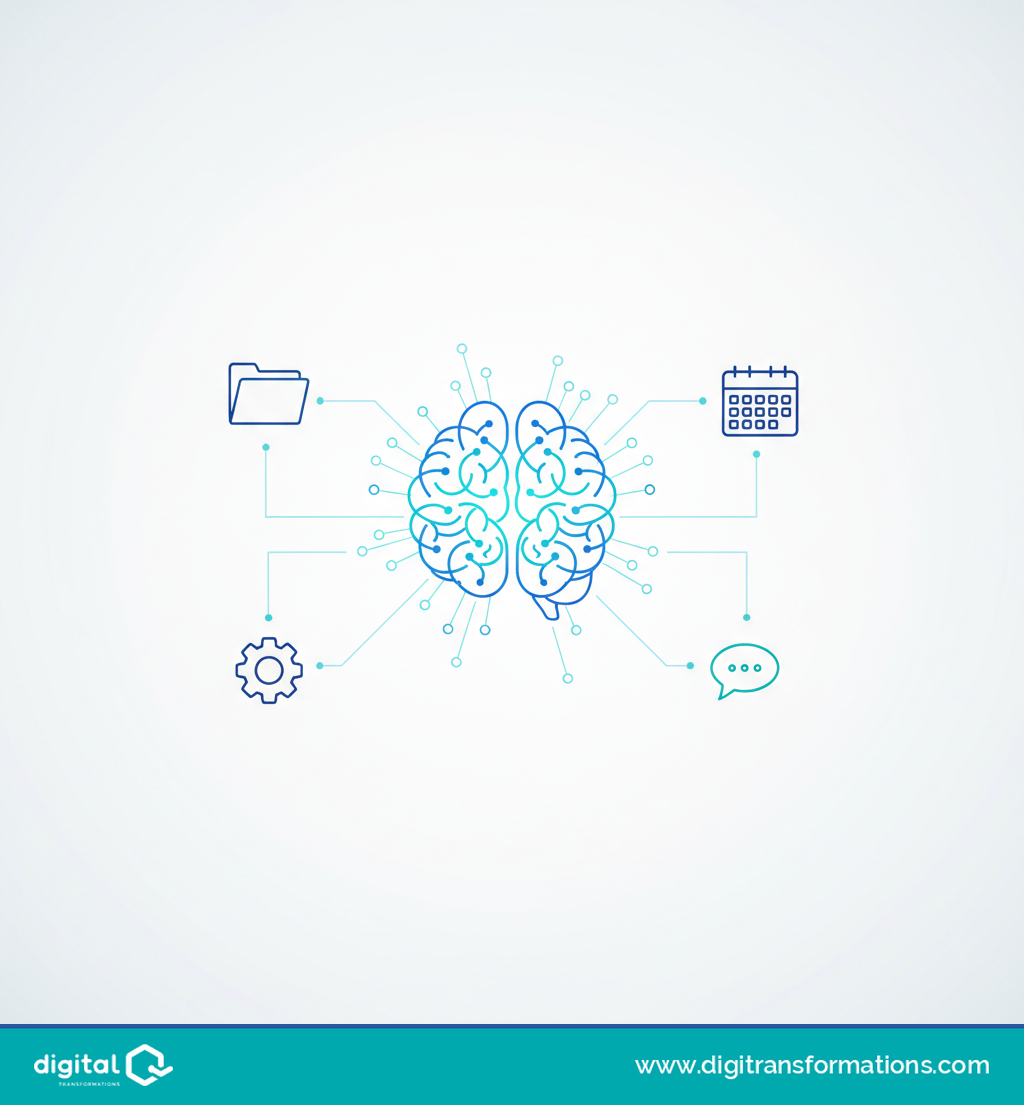
A business Second Brain is the common, organized memory of what a company knows —strategy, clients, decisions, how it works— that AI consults to operate with real business context instead of starting from scratch in every conversation.
It isn't a digital notebook or one more folder in your Drive. It's a single place that holds what's currently scattered across people's heads, inboxes and loose folders — and AI has access to it every time it works with you.
The difference shows up fast: instead of "summarize this email", you can ask "prep me for the meeting with this client" and the AI already knows who they are, what was discussed last time, and what's still pending.
How it works: memory, connections and daily routines
The setup brings together, in one place, what the business knows. Claude —the AI assistant used for this— reads that memory from each person's computer and connects to the apps you already use: Gmail, Google Calendar, Google Drive, Microsoft 365, and any other tool with a Claude connector or its own MCP server (the open standard apps use to connect to AI). If a tool has neither, it gets assessed separately.
On top of that, routines get built for starting, following through, and closing the day: what to check first thing, which repetitive tasks the system can take on, what gets logged by the end of the day. What gets decided today stays saved for tomorrow, instead of evaporating in an email thread.
How much time can this actually give back? It depends on the business, but one example helps picture it: for a two-partner firm where each partner spends around 10 hours a week on email and repetitive tasks, if the system takes on 30% of that work, they get back roughly 6 hours a week. That's an estimate built on assumptions, not a measurement: the diagnosis session replaces it with your company's real numbers, and a dashboard tracks the actual savings week by week.
The typical mistake: handing out AI accounts and calling it done
Giving everyone on the team a ChatGPT or Claude account is a decent first step. The problem shows up afterward: without a shared memory, everyone keeps re-explaining the same context in every conversation, and what one person figures out never reaches the rest. Knowledge stays fragmented — it's just fragmented inside the AI now too.
Where your data lives, and who sees it
This is what actually worries whoever runs the company, and fairly so. The memory lives in your own Drive, not in Digital Transformations' systems. It's encrypted in transit and at rest. With a Claude business plan, Anthropic doesn't train its models on your content — its own commercial terms forbid it. And anything sensitive gets decided with you: what goes into the memory, and who gets to see it.
How it starts
Everything begins with a diagnosis session where you walk us through: what your team does every day, what repeats, and what information is sensitive. From there comes the licensing recommendation, building the memory and the connections, the first automated tasks, a dashboard showing what the system does and how much it saves, and training to use it comfortably from week one.
If the person who knows your company best were out tomorrow, where would that knowledge be?
See how the Second Brain works and book your diagnosis session: https://www.digitransformations.com/second-brain
Content developed with AI assistance and reviewed by the Digital Transformations editorial team
Frequently asked questions
Do I need to know how to code to have a Second Brain in my business?
No. Digital Transformations builds it and trains your team to use it in everyday language.
Which apps can it connect to?
Any with a Claude connector, like Gmail, Google Calendar, Google Drive or Microsoft 365. If yours doesn't have one, it gets assessed separately.
Where is my company's information stored?
In your own Drive. Claude reads it from each person's computer, never from Digital Transformations' systems.
Does Anthropic use my data to train its AI?
Not with a business plan: its own commercial terms forbid it.
How is this different from using ChatGPT or Claude on my own?
The AI works with your company's memory and routines built for your day, instead of starting from zero in every conversation.
Related articles
Customer Service and Black Friday: How to Know If Your Team Is Ready Before the November Spike
Black Friday is weeks away. Before adding shifts or scripts, it's worth knowing exactly where your customer service team stands today.
Digital Maturity: What It Really Means (and Why Almost No One Measures It Right)
Digital maturity isn't about how many tools you own — it's about real processes. Learn the common mistake companies make measuring it, and how to diagnose it before investing in automation or AI.
Digital Maturity of Professional Firms: Your Clients Are Speeding Up. Is Your Firm?
Clients of professional accounting and tax firms made a digital leap in just one year. Here's what the data shows and how to organize the firm to keep pace.